Hotel Lobby AI Video Generator
Turn two photos into your own Hotel Lobby AI video. Add one photo for each performer, and the AI puts you both in a bright orange booth with one microphone hanging between you.
You get a 15-second 16:9 video in one continuous take: Photo 1 raps into the microphone on the left while Photo 2 dances on the right, timed to the opening of the TikTok sound “HOTEL LOBBY (Unc & Phew) - - A COLORS SHOW”. Post it with that sound, and trim the sound’s start in TikTok if the rap doesn’t line up. No prompts, no editing and no account needed.
- Two photos
- 15-second 16:9 video
- 720p MP4
- Lip-synced to the trend sound
- No editing
See What Hotel Lobby AI Can Make
We only publish examples made by the real production pipeline, with the same template, model and settings you get. Each one shows the finished video with the two input photos it was made from, so you can judge the result honestly.
Videos only load when you press play, so the page stays light on mobile data.
Why Create with Hotel Lobby AI?
Most AI video tools make you learn a lot first. This one does a single job, and does it simply.
Built for one trend
The orange booth, the hanging microphone and the two-person framing are already set up. You do not write prompts or pick a model.
Just two photos
Choose one photo for each performer. You can replace, remove or swap them as often as you like before you pay.
Framed like the viral originals
The video is 16:9 landscape, the same frame as the Hotel Lobby videos going viral on TikTok, so it looks like the real trend in the feed.
Clear rules on cost
You pay once for one video. If a generation fails, your credits come back to you automatically so you can try again.
How to Make a Hotel Lobby AI Video
Making a Hotel Lobby AI video takes three steps. You stay on this site the whole time, apart from a short visit to a secure checkout page.
Step 1: Upload two photos
Choose one clear photo for Photo 1 and one for Photo 2. Photo 1 becomes the rapper on the left, and Photo 2 becomes the dancer on the right. Tap Swap performers to switch them. Then confirm that you have permission to use both photos.
Step 2: Generate your Hotel Lobby video
Press Create My Hotel Lobby Video. If you have no credits yet, you go to a secure Stripe checkout to pay $8.99. Then the AI builds your scene, and a status page shows each stage as it really happens.
Step 3: Download and share
When the video is ready, watch it and download the MP4. Post it anywhere you like. Your video stays available for 7 days, so save a copy.
What Is Hotel Lobby AI?
Hotel Lobby AI is the name people use for a popular kind of short AI video. Two people, or sometimes two pets, appear side by side in a warm orange room. A single microphone hangs from above, right in the middle. One raps into the microphone while the other dances beside them, like a rap duo giving a studio performance. The clip is short, filmed in one take and easy to recognize, so it spreads fast on social media.
The look is inspired by a well-known style of live music performance. The trend took off when people began using AI to put themselves and their friends into that setting, with no studio and no camera crew.
My Hotel Lobby AI is an independent tool built for this one format. We are not the original artists, and we have no connection to them, to their record labels, to any performance channel or to any social platform. We also do not put the original song in your file: the video is silent and lip-synced to the trend’s TikTok sound, which you add when you post.
- Orange booth
- A seamless warm orange background with soft, even light.
- Hanging microphone
- One microphone in the center, right between the two performers.
- A rapper and a dancer
- Your Photo 1 raps on the left and your Photo 2 dances on the right.
- One landscape take
- A 16:9 clip in one continuous shot, like the viral originals.
Who Can You Put in a Hotel Lobby AI Video?
The template stays the same, but the people in it change everything. Here are some ideas. Whoever you choose, only use photos you have the right to use.
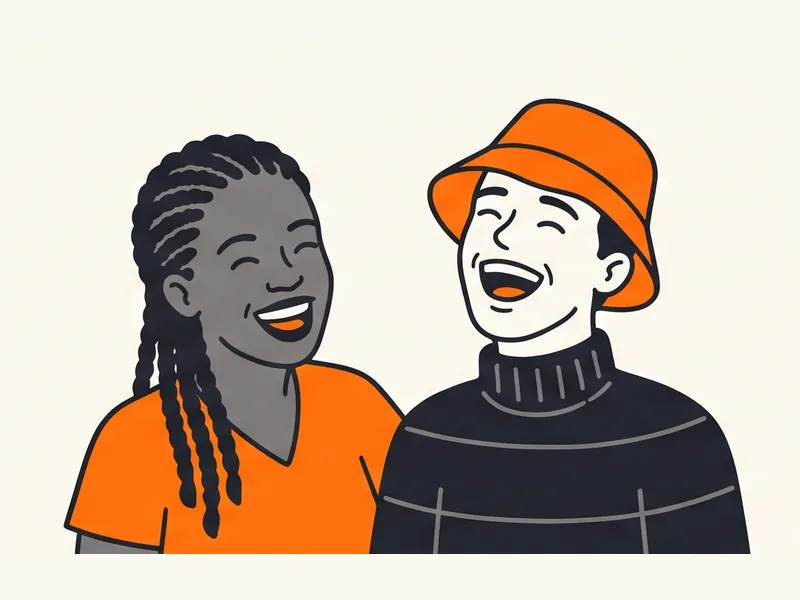
You and your best friend
Turn an inside joke into a two-person rap act. It is a fun way to celebrate a friendship.
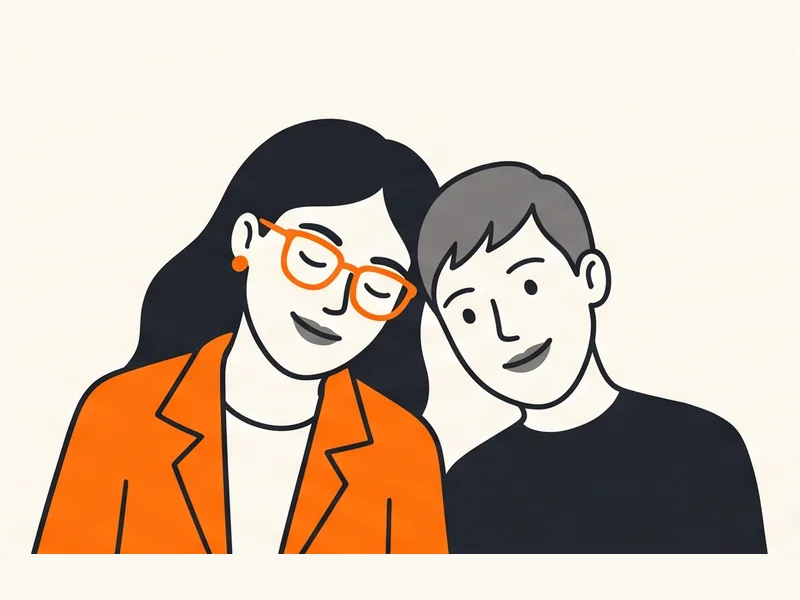
Couples
Put you and your partner in the booth for an anniversary or just a laugh.
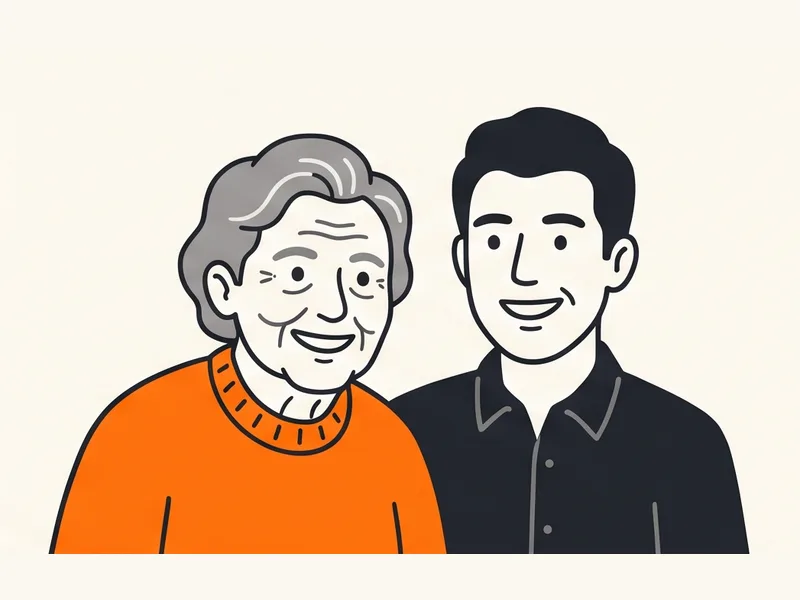
Family
Siblings, cousins, parents and grandparents can all take the stage. Ask each person first.
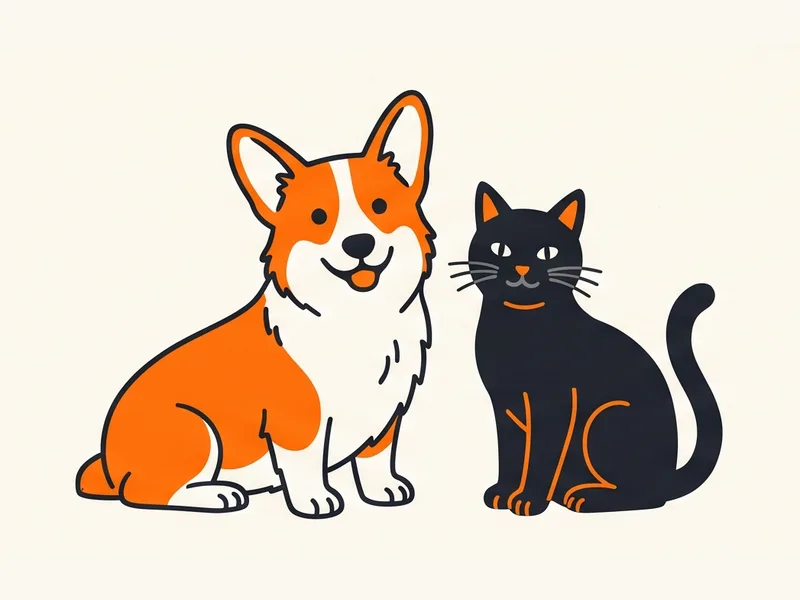
Pets experimental
Try two cats, two dogs, or a pet next to its owner. Pet results are still experimental and can be less accurate than people, so use a sharp, bright photo of each animal.
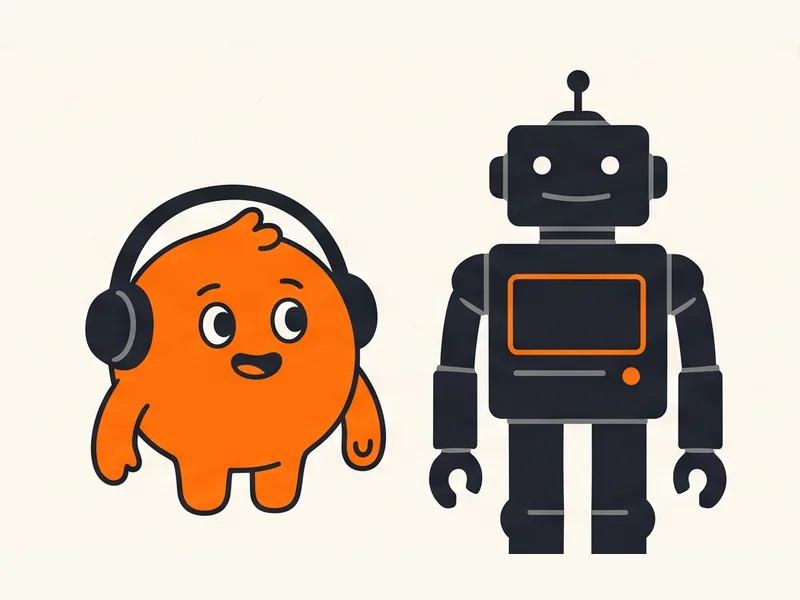
Original characters
Mascots you drew or designed yourself can work too, but not characters that belong to someone else.
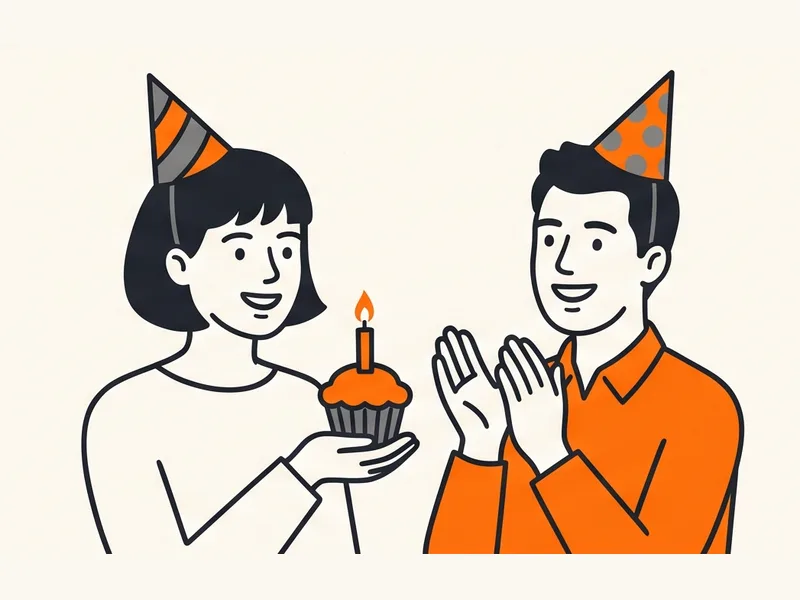
Birthday surprises
Make a short, unexpected video for someone on their birthday.
How to Get Better Hotel Lobby AI Results
The AI can only work with what your photo shows. Good photos make a big difference to how much each performer looks like the real person.
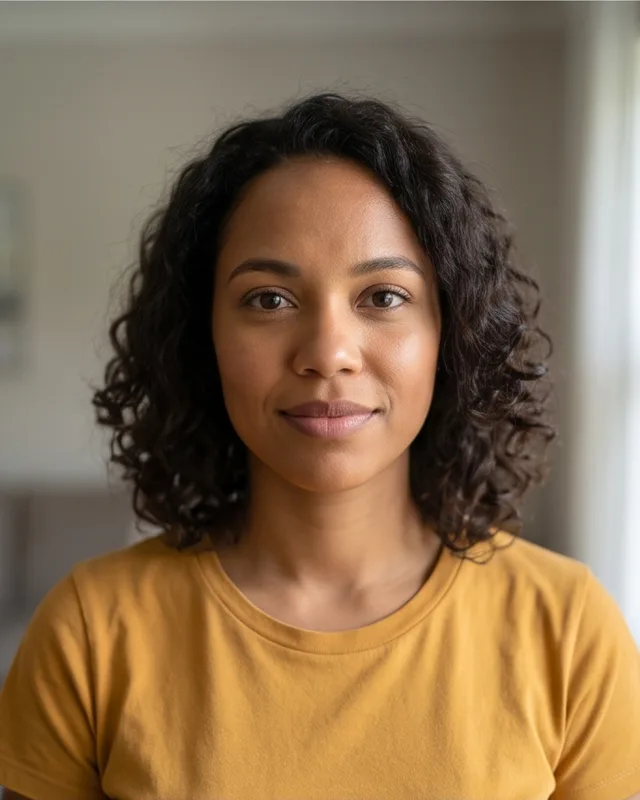
Good: clear, front-facing 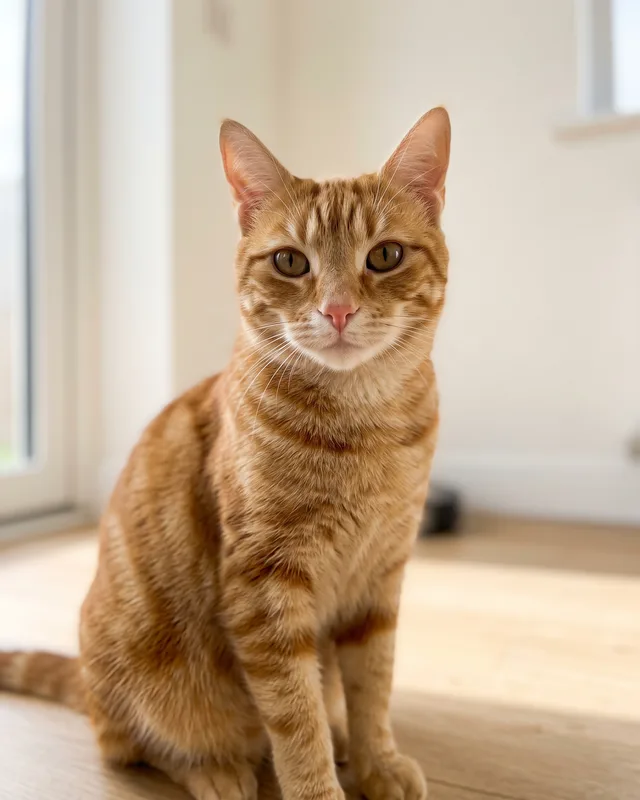
Good: clear pet photo 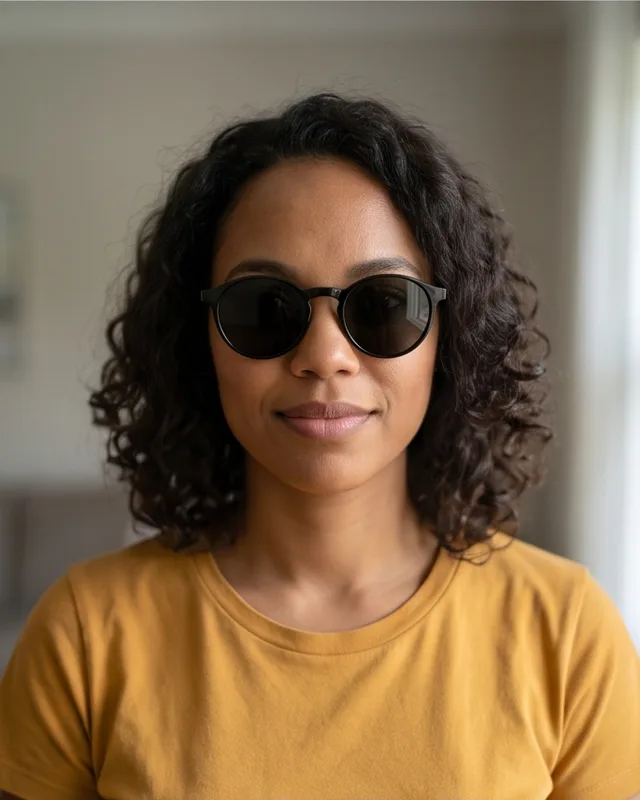
Avoid: sunglasses 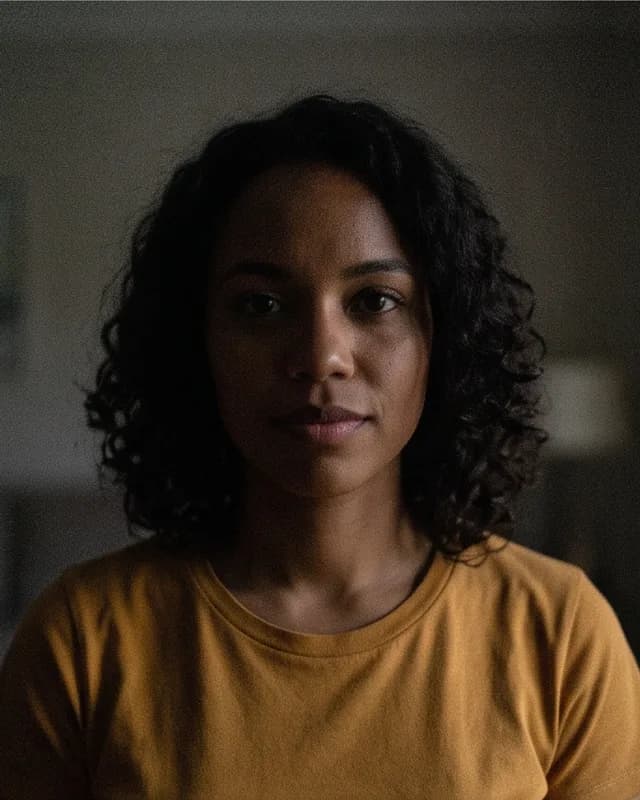
Avoid: too dark 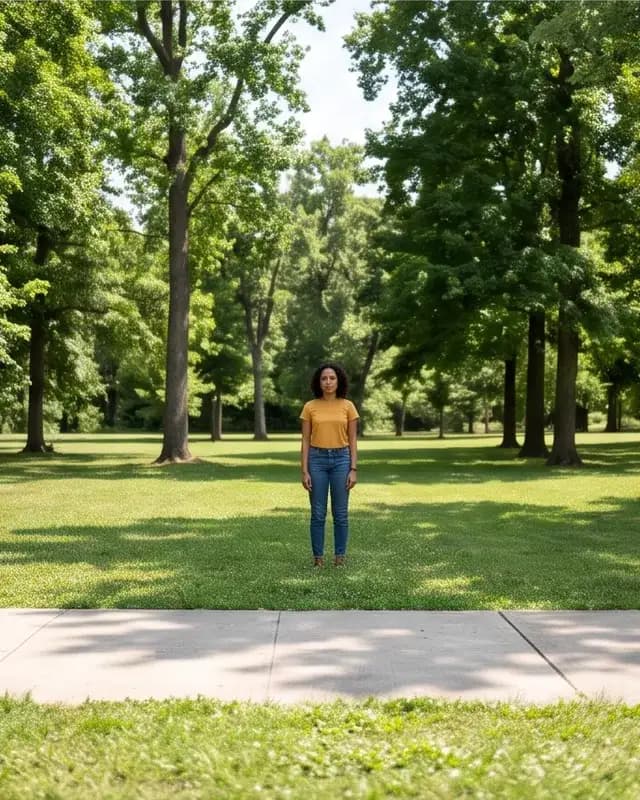
Avoid: tiny face 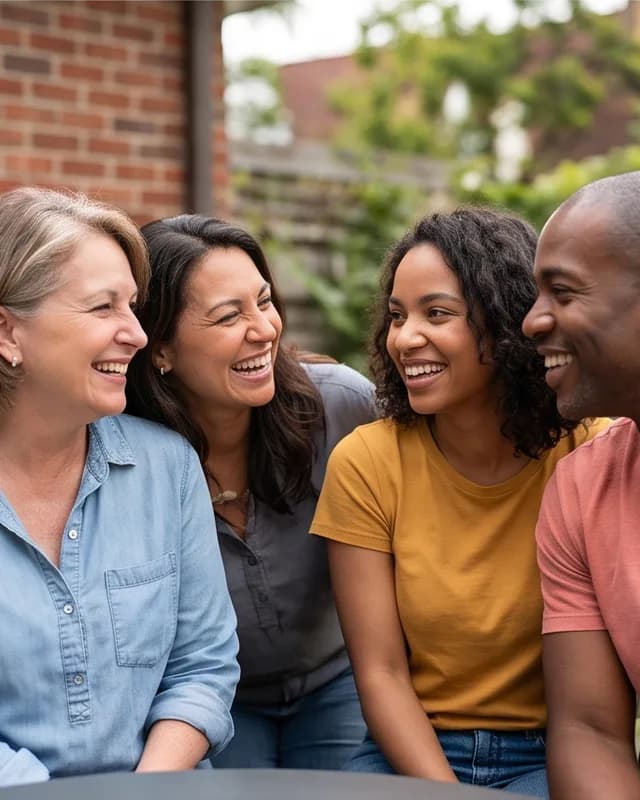
Avoid: group shot 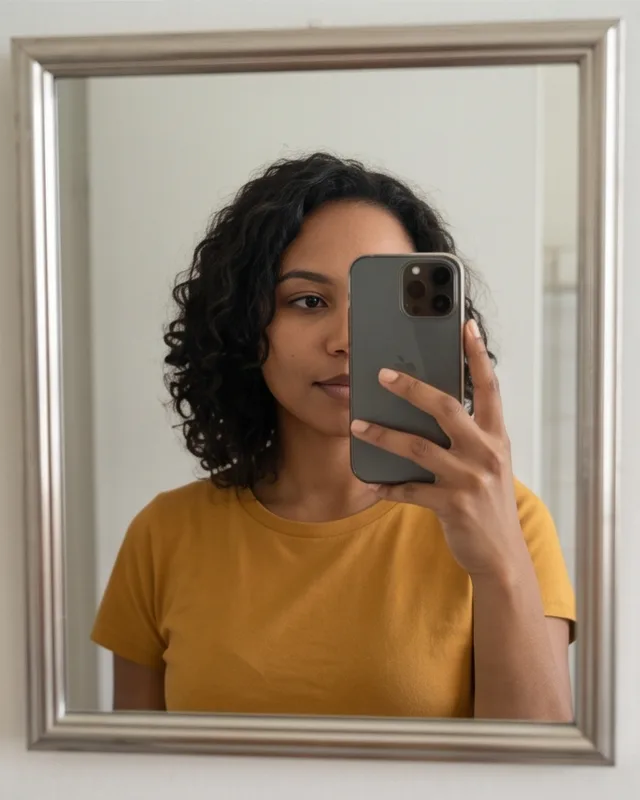
Avoid: covered face
Photos that work well
- The face looks at the camera, or almost at it.
- The whole face is visible, with no hands, hair or masks in the way.
- There is one person or one pet in each photo.
- The light is bright and even, like daylight near a window.
- It is a head-and-shoulders or upper-body shot.
- The photo is sharp, not blurry or covered in filters.
Photos to avoid
- Sunglasses or anything else that hides the eyes.
- Very dark photos, or strong shadows across the face.
- Group photos where each face is small.
- Screenshots with text, stickers or watermarks on top.
- Photos of famous people, or of anyone who has not agreed.
Even with great photos, AI results vary. The model may change small details such as hair, clothing or hands. We cannot promise an exact likeness, but clear photos give you the best chance.
Hotel Lobby AI Pricing
Pricing is simple. There is one product, and you only pay when you are ready to create.
Behind the scenes, $8.99 buys 150 credits, and one video uses 150 credits. If a generation fails, those credits return to your balance automatically, one time, so you can try again. Returned credits are not a cash refund. For questions about getting money back, read our Refund Policy.
Payments are handled by Stripe, a PCI Service Provider Level 1. We never see or store your full card number.
One Hotel Lobby AI video
- One 15-second Hotel Lobby AI video
- Landscape 16:9 MP4 file in 720p
- Lip-synced to the TikTok sound, ready to add when you post
- Available to download for 7 days
- No subscription and no account
Hotel Lobby AI Photo Privacy and Audio
Your photos are personal, so we keep only what we need, for as short a time as we can.
Private by default
Your photos and video are never shown in any public gallery.
Photos deleted within 24 hours
We delete your photos within 24 hours after your video finishes or fails. Unused drafts are deleted within 24 hours too.
Videos kept for 7 days
Finished videos are deleted 7 days after they are ready.
Our AI providers
We send your photos to our AI video provider, Kie, to make the video. If Kie cannot animate it, the same model runs on fal.ai using the still Kie made from your photos. Both have their own retention rules, which we do not control.
No account needed
A cookie in your browser links you to your videos for 30 days. Come back in the same browser to find them.
Links stay private
Your video link only works in the browser that made it. To share, download the file.
About the audio
Your video is silent. The rapper is lip-synced to the opening 15 seconds of the TikTok sound “HOTEL LOBBY (Unc & Phew) - - A COLORS SHOW”, and the dancer moves to the same beat. We do not put the song in the file.
When you post on TikTok, use that sound. If the rapper’s lips don’t match the words, trim the sound’s start in TikTok’s editor until they do. On Reels, use the platform’s licensed Hotel Lobby audio from the start of the song. Turn on the platform’s AI-generated label when you post.
Hotel Lobby AI Sources and References
We check the facts on this page against official documentation. Here is where each one comes from, so you can read the original yourself.
A 16:9 video in 720p works for Instagram Reels.
Instagram accepts reels with an aspect ratio between 1.91:1 and 9:16 and a minimum resolution of 720 pixels. Our video is 16:9 and 720p, inside that range.
Source: Reel size & aspect ratios on Instagram, Instagram Help Center
Card payments are handled by Stripe, not by us.
Stripe has been audited as a PCI Service Provider Level 1. Your card number goes to Stripe and is never stored on our servers.
Your photos are processed by our AI video provider, Kie, with fal.ai as a backup for the animation step.
Kie runs the AI video model that turns your two photos into the finished clip. If Kie cannot run the animation, we send the same request to the same model on fal.ai. Both have their own terms and retention rules.
“This is the most stringent level of certification available in the payments industry.”
Hotel Lobby AI Guides
Short answers to the questions people ask most about the trend.
More AI Meme Video Generators from My Hotel Lobby AI
Hotel Lobby is one of five video templates on My Hotel Lobby AI. The others work the same way: upload your photos, pay $8.99 once and download an MP4.
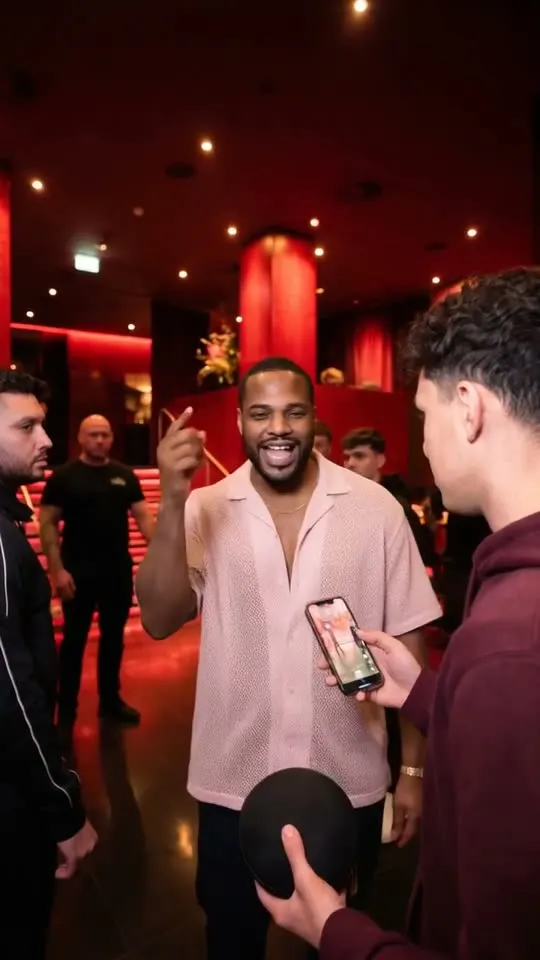
Bulin 47 AI video generator
1 photo: you rap the viral Bulin 47 freestyle at a red-lit entrance at night. 12-second 9:16 MP4, lip-synced to the verse.
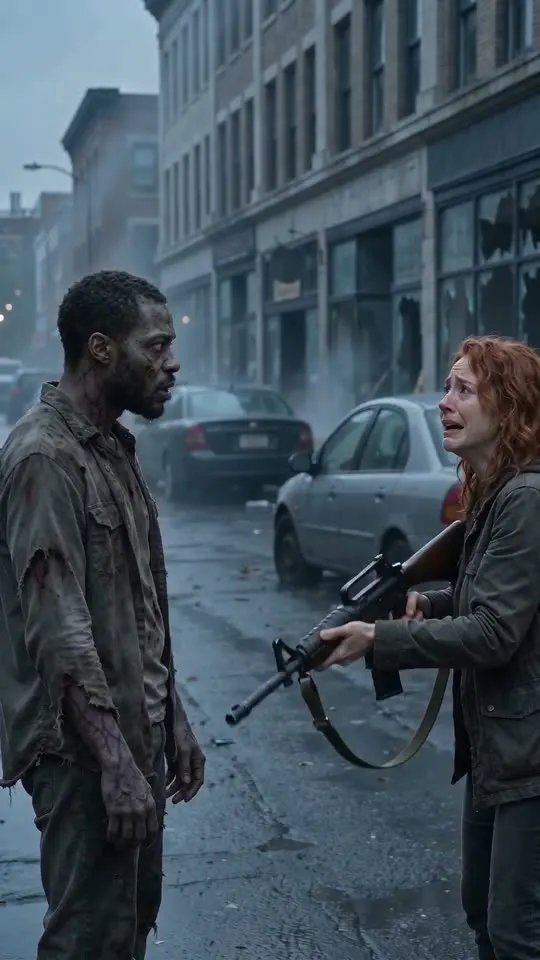
Zombie couple video generator
2 photos: one of you turns into a zombie, the other can’t pull the trigger, then a hard cut to a golden memory. 15-second 9:16 MP4 with sound.
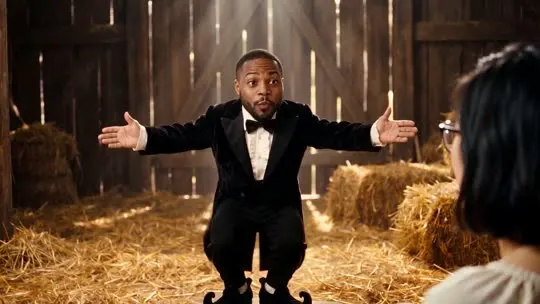
Rumpelstiltskin AI dance video generator
1–2 photos: you play the creeping little man, the frightened woman, or both, in the viral tiptoe meme. 15-second 16:9 MP4 with our own hay barn and dance; it is silent, so you add the song on TikTok.
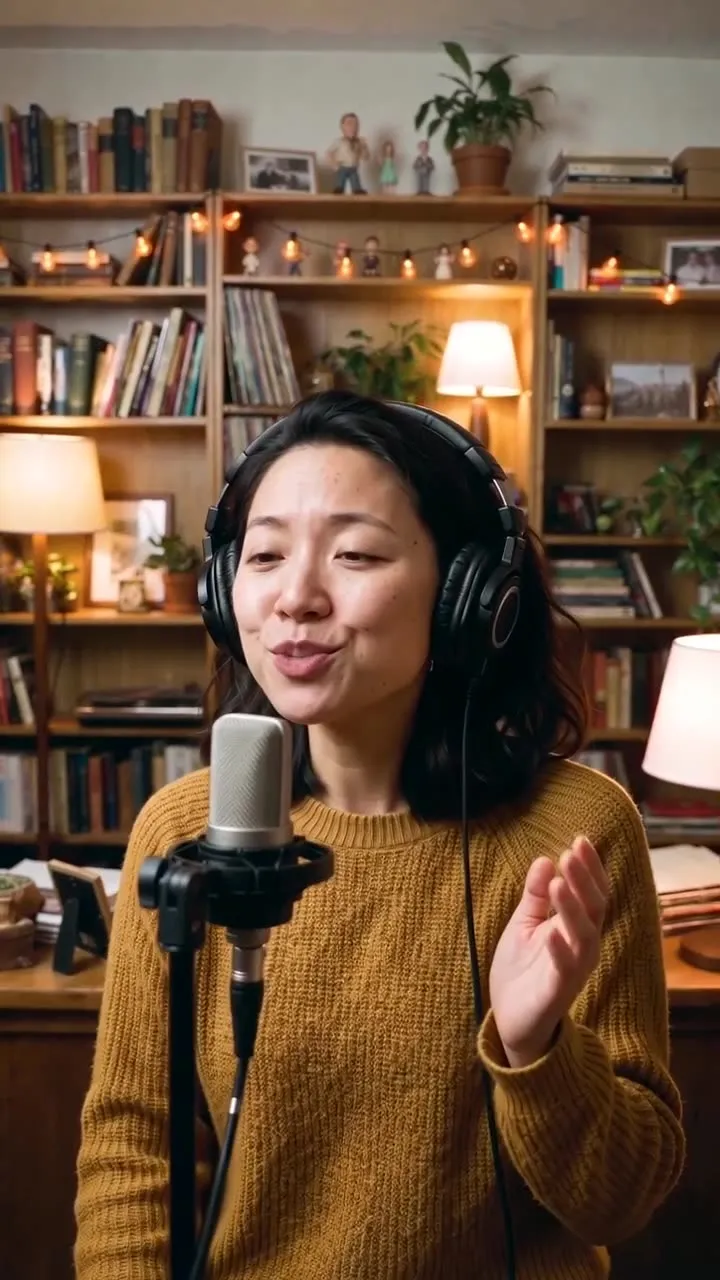
Outstanding Tiny Desk AI video generator
1–5 photos: you sing lead in the viral “Outstanding” desk-concert meme and your friends take keys, backing vocals and sax. 19-second 9:16 MP4 in four shots with our own office set; it is silent, so you add the sound on TikTok.
Hotel Lobby AI FAQ
What is Hotel Lobby AI?
Hotel Lobby AI is a popular short video format where two people or pets appear in an orange booth with a hanging microphone and perform like a rap duo. This website is a Hotel Lobby AI video generator that makes that kind of video from two photos.
How do I make a Hotel Lobby AI video?
Upload two photos in the generator above, confirm you have permission to use them, and press Create My Hotel Lobby Video. Pay once, wait for the AI to finish, then download your video.
How many photos do I need?
You need exactly two photos, one for each performer. Each photo should show one person or one pet. JPEG, PNG and WebP files up to 10 MB each are accepted.
Can I use photos of pets?
Yes, you can try. Pet support is experimental, and pets may come out less accurately than people. A clear, bright photo of each animal looking at the camera gives the best chance.
How long does it take to make a video?
It depends on demand and on our AI provider, so we do not promise a fixed time. The status page shows the real stage of your video. You can leave and come back later in the same browser.
What happens if generation fails?
If a generation fails, your 150 credits return to your balance automatically, one time, so you can try again. This is not an automatic cash refund. Cash refund requests must be made within 7 days of payment; our Refund Policy explains how they work.
Is the original Hotel Lobby song included?
No. We do not put the copyrighted recording in your file: the video is silent. The rapper is lip-synced to the TikTok sound “HOTEL LOBBY (Unc & Phew) - - A COLORS SHOW”, so post with that sound, and trim its start in TikTok if the rap doesn’t line up.
Is this the official Hotel Lobby website?
No. My Hotel Lobby AI is an independent AI creation tool. It is not affiliated with the original artists, their record labels, any performance channel or any social media platform.
Can I post my video on TikTok or Instagram?
Yes. You are responsible for following each platform’s rules and for having permission from the people in your photos.
What happens to my photos?
Your photos stay private. We use them only to make your video and delete them within 24 hours after it finishes or fails. Our AI provider, Kie, also processes them (and fal.ai, if Kie cannot animate the video), and each has its own retention rules.
Can someone else open my video link?
No. Your video page only works in the browser that created it. To share, download the MP4 and send the file, or use the Share button.
Do I need an account?
No. A cookie in your browser keeps track of your videos for 30 days. If you clear your cookies or switch devices, you cannot reopen them, so download your video as soon as it is ready.
Make Your Hotel Lobby AI Video Now
Two photos are all it takes. Head back to the generator, add your performers and see them line up in the orange booth.
Create My Hotel Lobby Video15s · 16:9 · 720p · $8.99